The Mijnsupportdesk portal is available in English and Dutch.
You can change the language by clicking the language option in the top right corner. On mobile, open the side menu and select your preferred language.
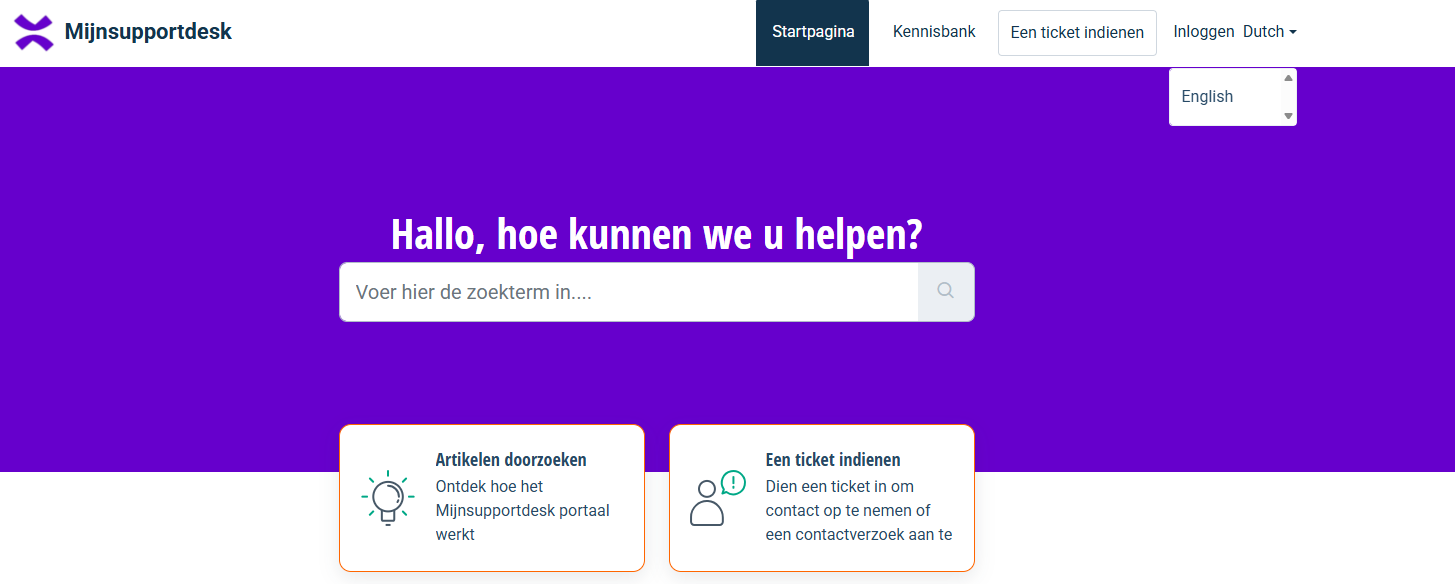
After changing the language, the portal will be displayed in the selected language.
Was this article helpful?
That’s Great!
Thank you for your feedback
Sorry! We couldn't be helpful
Thank you for your feedback
Feedback sent
We appreciate your effort and will try to fix the article